Product / 01
Harmonimo MIDI chord generator plugin for Mac, Windows, AU, VST, and standalone.
Harmonimo is a paid MIDI chord generator plugin and standalone harmony tool for producers, composers, and live performers. Use it to trigger full chords from single notes, stay in key, build progressions quickly, and route expressive MIDI into your DAW or external synths.
What Harmonimo is
What Harmonimo is
For producers who want a chord generator plugin, a MIDI harmony tool, or a quicker way to sketch chord progressions in a DAW.
Harmonimo turns a single played note into a full chord with voicing, extensions, and musical context already handled for you. Instead of manually building every triad, inversion, and extension, you can stay in performance mode and keep the idea moving.
It works as both an AU/VST plugin and a standalone application, which makes it useful for direct DAW workflows, live keyboard setups, and virtual MIDI routing into other instruments.
- Generate expressive chords from single-note input
- Keep melody notes in key while the harmony moves underneath
- Use one-handed chord playback for writing or live performance
- Move between classic, neo-soul, gospel, house, lo-fi, and modal-jazz voicing colors
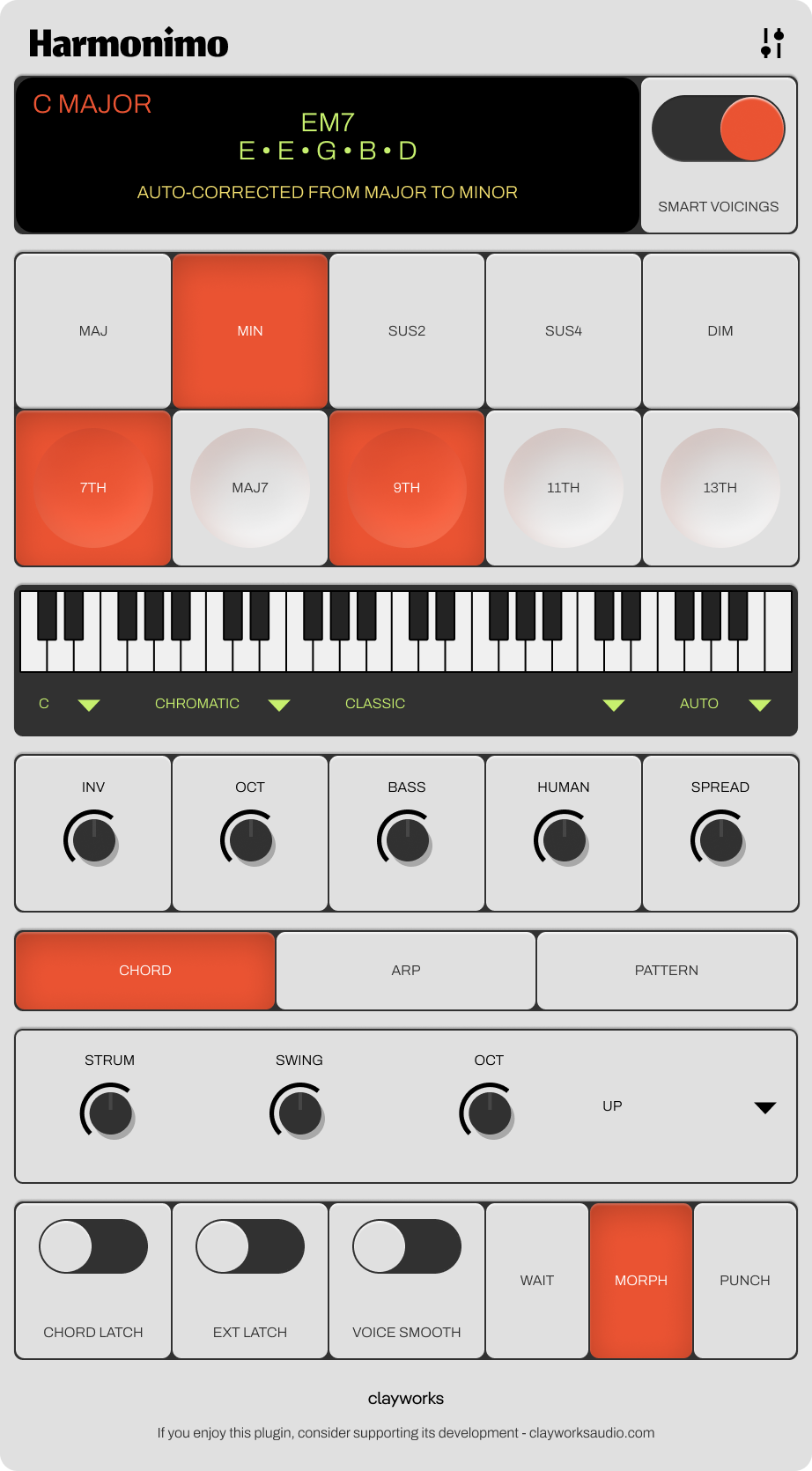
DAW and live workflows
DAW and live workflows
Built for music production workflows that need speed, control, and reliable MIDI output.
In a DAW, Harmonimo can sit directly in the writing chain as a chord generator plugin. In Logic Pro, that means a native AU workflow. In Ableton, FL Studio, and other compatible hosts, use the VST build and keep the harmony engine close to the instrument chain.
In standalone mode, Harmonimo can act as a separate harmony brain for live rigs or for DAWs that are easier to drive through a virtual MIDI bus. That makes it useful both for production sessions and for performance setups where you want one-handed harmony and more expressive control.
- Write progressions faster without stopping to spell every chord
- Map inversions, strum, spread, and extensions to pads and knobs
- Drive hardware synths or software instruments through real-time MIDI
- Switch between chord, arpeggiator, and pattern playback modes
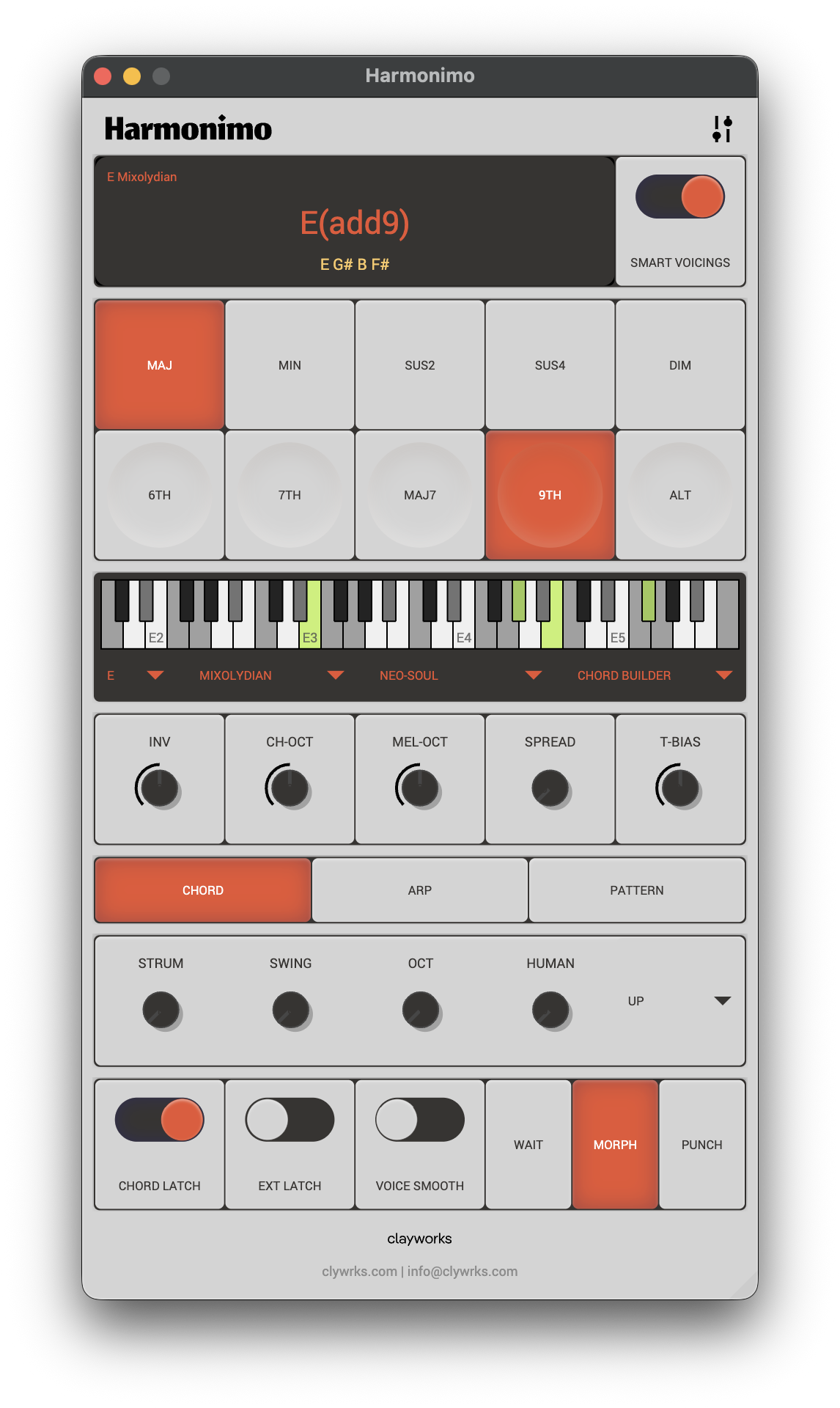
Supported platforms, formats, and DAWs
Supported platforms, formats, and DAWs
Everything you need to know about where Harmonimo runs and how it fits into your setup.
Harmonimo runs on macOS and Windows, ships with AU, VST, and standalone versions, and is designed to work with mainstream music-production environments.
If you want help with installation, routing, or controller setup, support walks you through it. This section is here to help you quickly check that Harmonimo matches your platform, plug-in format, and DAW.
- macOS 10.13 or later, including Intel and Apple Silicon
- Windows 10 or later (64-bit)
- Ableton Live 11 and 12, FL Studio 21+, Logic Pro 11, Cubase 13+, Reaper 7+, Bitwig Studio 5+, Studio One 6+, and other mainstream AU/VST-capable hosts
- AU and VST plug-in formats plus standalone application for wider routing options
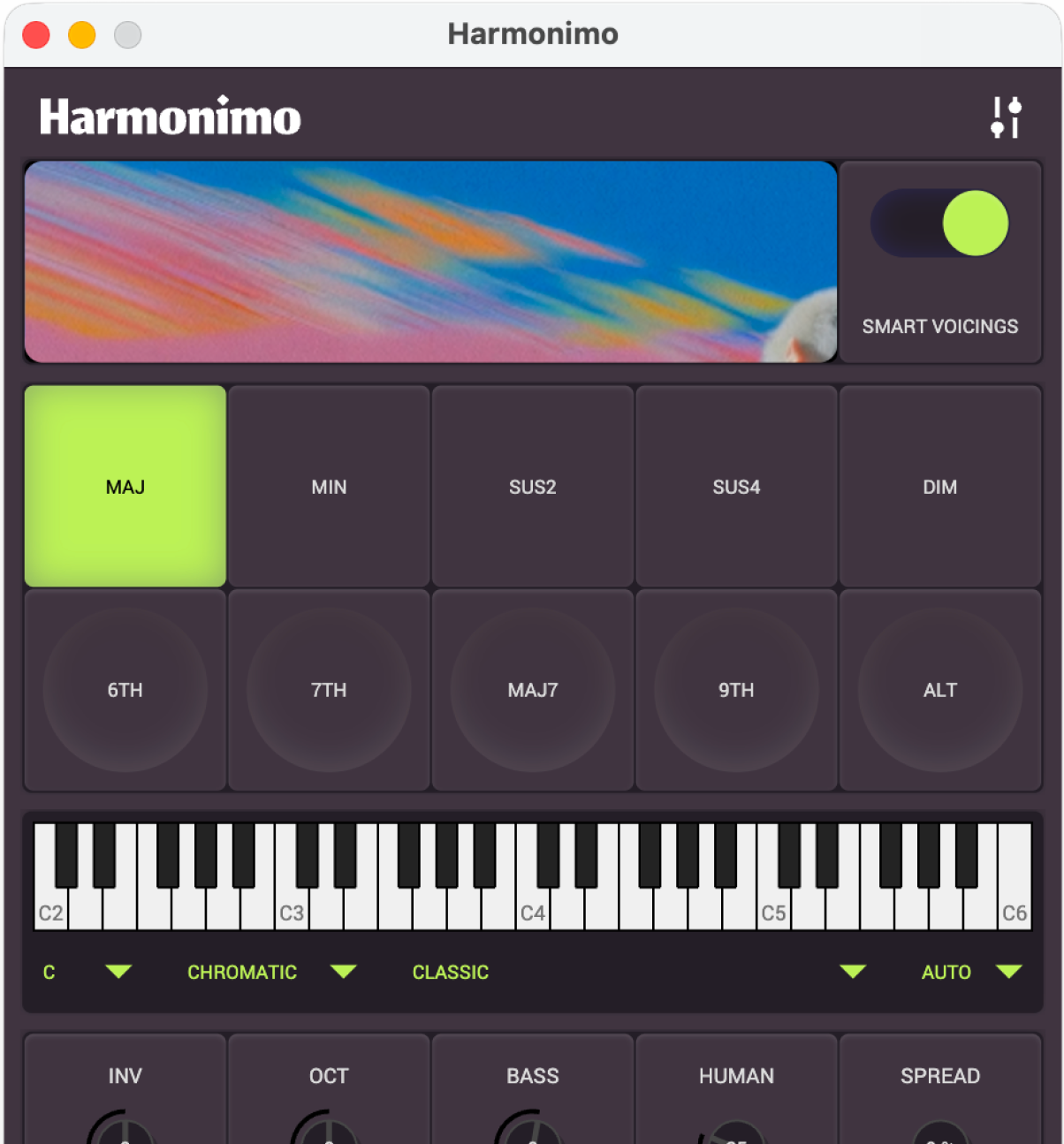
Core features for music production
Core features for music production
The tools that make Harmonimo fast, expressive, and easy to shape around your own sound.
At the heart of Harmonimo is a harmony engine that responds to key, mode, chord degree, progression movement, genre colour, and tension settings, so the chords feel musical and intentional while you play.
Alongside straight chord performance, you also get arpeggiator and pattern modes, humanise controls, spread and inversion options, MIDI learn, saved mappings, and real-time MIDI output. That makes Harmonimo just as useful for writing ideas quickly as it is for arranging, performing, and driving other instruments.
- Smart voicing with extensions, smoothing, and progression-aware behavior
- Genre-aware harmony styles for modern keys, jazz, gospel, lo-fi, and more
- Pattern, arp, and chord modes for different rhythmic needs
- Humanise, spread, inversion, bass, and octave controls for feel and range
- MIDI learn, preset mappings, and controller-friendly performance workflows
Purchase, setup, and support
Purchase, setup, and support
Everything you need to know before buying, downloading, or getting set up.
Harmonimo is a one-time purchase. Right now it is available for $39.99 USD, and your purchase includes the supported plug-in and standalone builds for your platform.
If you already own Harmonimo, head to the downloads page for the latest supported macOS or Windows installer. If you need help with installation, DAW routing, MIDI mapping, or standalone setup, support is the best place to start, and you can always email for direct help with your DAW, platform, and routing details.
- One-time purchase, not a subscription
- Download the latest installers from the downloads page
- Step-by-step setup help lives in support
- Direct support: [email protected]
- Terms and refund language live on the Terms & Conditions page