Is Harmonimo good for Ableton Live?
Yes. Harmonimo fits Ableton Live when you want one-note chords, mapped voicing controls, chord, arp, and pattern movement, and real-time MIDI output inside or around the session.
Ableton Buyer Guide / 01
Ableton Live rewards tools that keep the session moving. A chord generator should not make you leave the clip, the controller, or the idea. Harmonimo fits when the chord tool needs to feel playable inside Live and flexible enough for wider MIDI routing.
Quick answer
For Ableton Live, the best MIDI chord generator is the one that keeps clips, instruments, and controllers moving without theory friction. Harmonimo fits when you want one-note chords, mapped voicing controls, pattern movement, and MIDI output. Use Ableton's built-in devices for tiny interval jobs; use Harmonimo for chord-first writing.
Section 01
Ableton buyers should choose the chord tool that keeps clips, instruments, and controller gestures close.
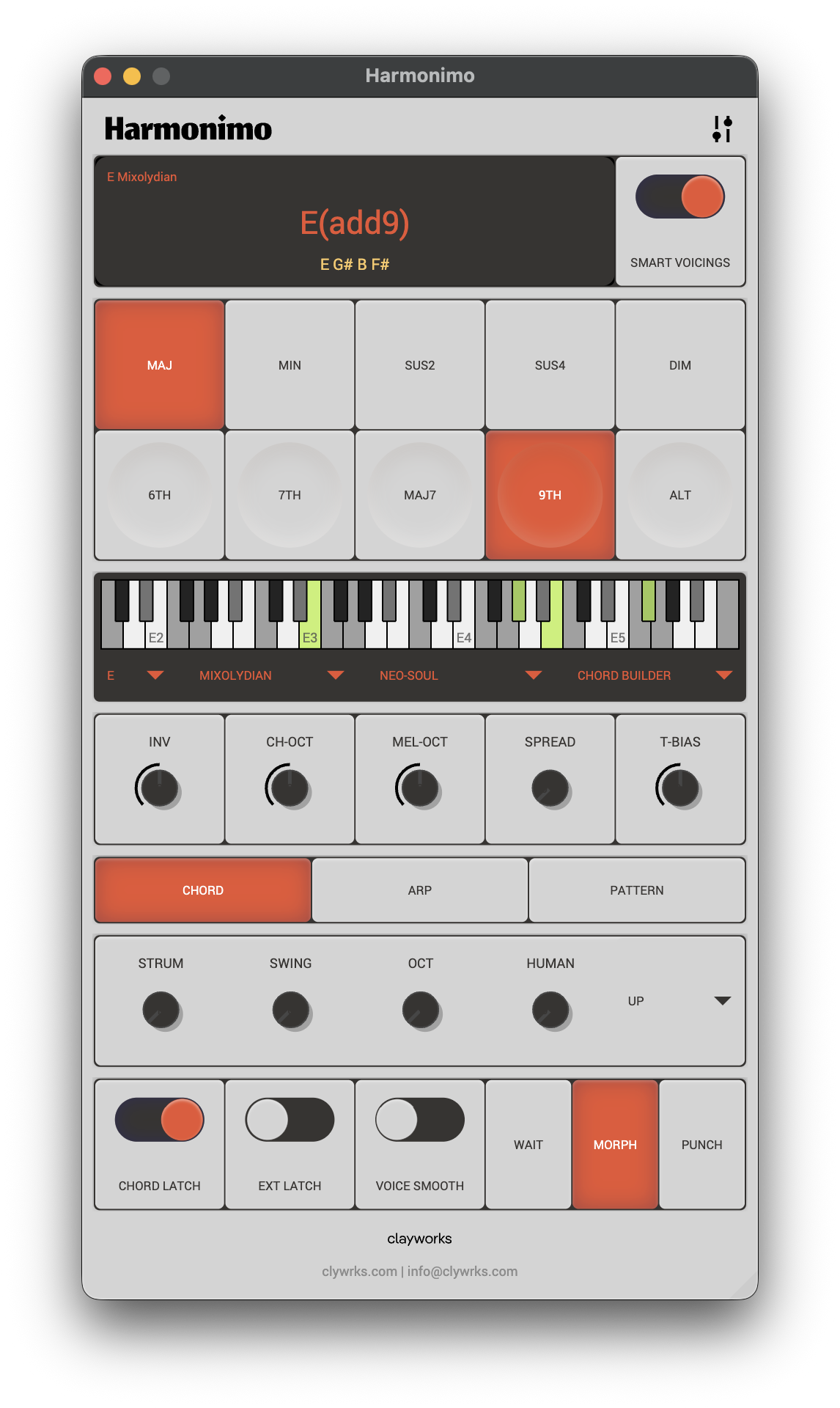
Harmonimo fits Ableton when you want chord ideas to respond while the loop is still breathing. You can use one-note chords for speed, then shape voicings, extensions, strum, arp, pattern movement, and MIDI output as the arrangement grows.
Built-in Ableton tools are still useful for simple interval work. Harmonimo earns its place when the chord workflow becomes central to the song, not just a small utility before an instrument.
Section 02
Use this table to decide whether you need a small utility, a full chord workflow, or a wider routing setup.
| Ableton need | Choose Harmonimo when | Choose another route when |
|---|---|---|
| Fast sketches | You want one-note chords and playable voicings while clips run. | You only need a fixed interval shape. |
| Controller workflow | You want mapped chord, strum, spread, and movement controls. | You do not use hands-on MIDI control. |
| MIDI output | You want to capture or route generated MIDI. | Audio from one simple chain is enough. |
| Setup | You want a $39.99 AU/VST/standalone harmony tool. | A built-in Ableton effect solves the job. |
Section 03
Not every Ableton session needs a dedicated chord instrument.
If you only need a quick fixed interval effect or already know every chord you want to program by hand, Ableton's native tools may be enough. Harmonimo is more relevant when speed, playability, and controller movement change the writing outcome.
Section 04
Read the Ableton workflow guide, then use the product page when the fit is clear.
The Ableton guide covers the direct workflow and when standalone routing may be cleaner. That keeps the buying path tied to a real setup, not a floating claim.
FAQ
Yes. Harmonimo fits Ableton Live when you want one-note chords, mapped voicing controls, chord, arp, and pattern movement, and real-time MIDI output inside or around the session.
Ableton's built-in tools can be enough for simple fixed interval jobs. Harmonimo is more useful when chord writing, performance control, and routing are central to the workflow.
Yes. Use the plugin workflow first for normal sessions, then use Harmonimo Standalone with virtual MIDI routing when a separate performance surface is cleaner.