Can Harmonimo work as a chord generator inside Ableton Live?
Yes. Harmonimo is intended for direct Ableton Live chord-generator workflows, with one-note chord triggering, voicing controls, MIDI mapping, and performance-oriented harmony controls.
Ableton Live / 01
If you want a chord generator workflow inside Ableton Live, Harmonimo gives you a direct path: trigger full chords from single notes, map harmony controls to hardware, and keep writing without stopping to spell every extension by hand.
Quick answer
Use Harmonimo directly in Ableton Live when you want one-note chord input, playable voicings, and controller-mapped harmony inside the session. Load it in the MIDI/instrument chain, map chord and expression controls as needed, and switch to standalone virtual MIDI routing only when your controller setup needs more separation.
Section 01
Ableton users usually want speed, controller access, and a direct path from note input to instrument sound.
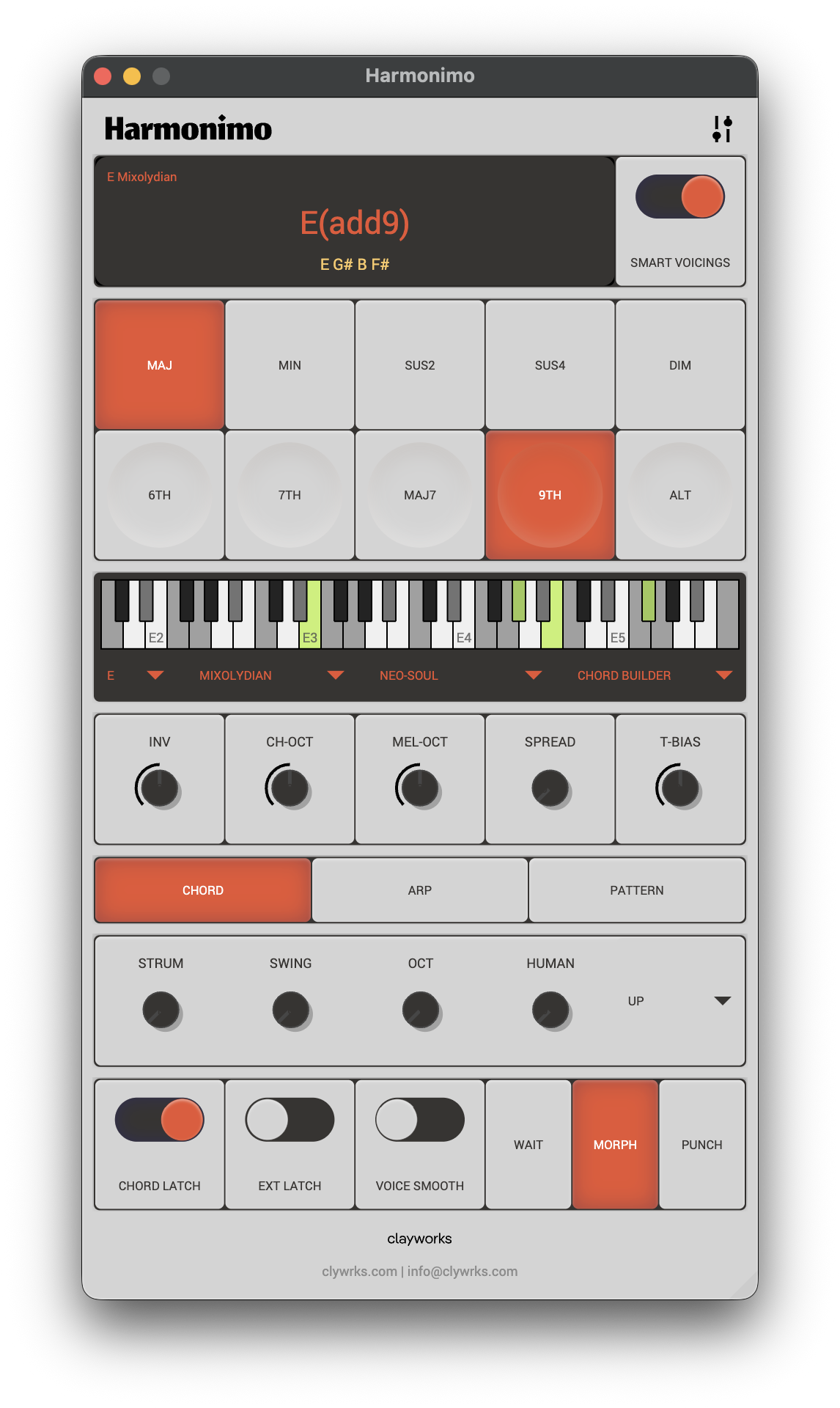
Harmonimo works well in that environment because the core idea is immediate: play a note, get a chord, keep the clip or performance moving. That lines up with how many Ableton sessions are built, especially when ideas are still fragile and you do not want theory friction in the middle of a sketch.
The direct plug-in route also keeps the workflow compact. You can keep harmony generation close to the instrument chain, then use pads, keys, or MIDI controllers to shape inversions, strum, spread, and extensions in performance.
Section 02
The main Ableton-specific advantage is controller integration.
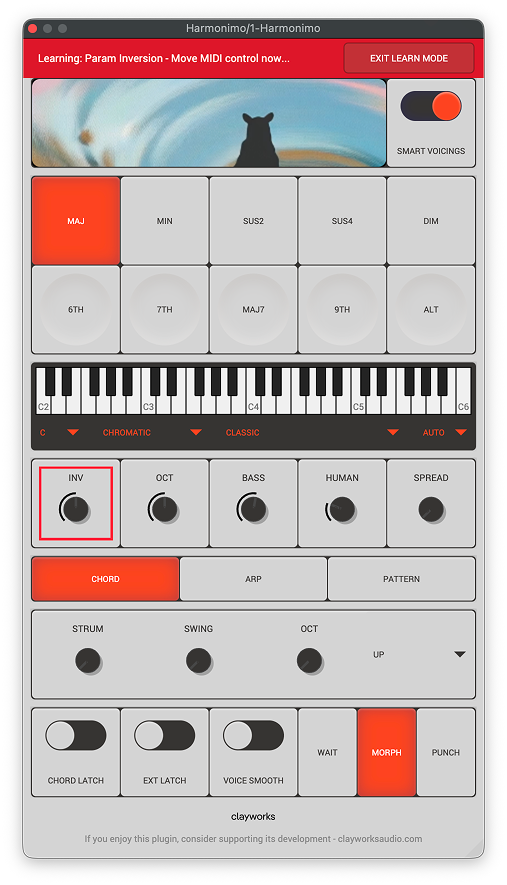
If you use pads or knobs heavily, Harmonimo benefits from that immediately. Chord and extension triggers can live on pads, while inversions, strum, bass movement, and spread can sit on continuous controls so you can reshape harmony during playback.
That makes the plugin more than a static chord tool. It becomes part of performance and arrangement, especially when building movement from a single harmonic idea instead of swapping presets or redrawing MIDI constantly.
Install Harmonimo like any other plug-in. If Live does not detect it immediately, rescan your plug-ins from Live's settings.
On macOS, install the Audio Unit in /Library/Audio/Plug-Ins/Components/ and the VST plug-in in /Library/Audio/Plug-Ins/VST3/. On Windows, run the installer and keep the default plug-in path unless your setup uses a custom directory.
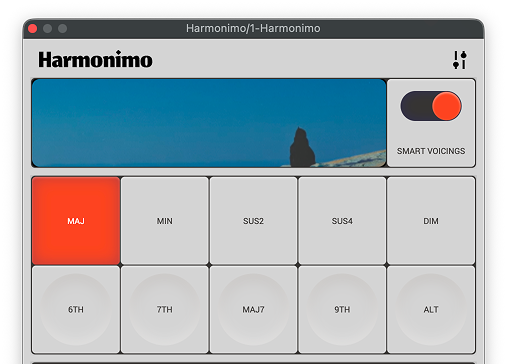
Open Harmonimo inside Ableton Live, click the settings icon, then click New Mapping to enter MIDI Learn Mode.
Click each parameter you want to map, then move the matching control on your MIDI device. Press Exit Learn Mode when you are done.
You can also expose Harmonimo's device parameters and use Ableton's own MIDI mapping. Use CMD + M on Mac or CTRL + M on Windows.
If pads and keyboard notes interfere because of crossed channels, consider using Harmonimo Standalone or Ableton Live's own MIDI mapping for the controls that need separation.
Section 03
Use this guide as the overview, then jump to the detailed docs when you need them.
Use the plugin details page if you need the full compatibility and feature summary. Use the virtual MIDI guide if you decide the standalone route is cleaner for your controller setup.
FAQ
Yes. Harmonimo is intended for direct Ableton Live chord-generator workflows, with one-note chord triggering, voicing controls, MIDI mapping, and performance-oriented harmony controls.
Use Harmonimo Standalone with a virtual MIDI bus when controller channels, external synths, or multi-app routing make the direct plug-in chain feel cramped.