Is Harmonimo useful for FL Studio loop building?
Yes. Harmonimo is useful when an FL Studio session needs quick chord progression ideas, richer voicings, and motion from chord, arpeggiator, or pattern playback modes.
FL Studio / 01
For FL Studio producers, the real need is usually faster writing without flattening the musical feel. Harmonimo addresses that by turning single-note input into voiced chords, progressions, and pattern-ready harmony that still feels playable.
Quick answer
Use Harmonimo in FL Studio when you want fast chord progressions, playable one-note harmony, and pattern-ready movement without drawing every chord tone by hand. Start with the direct plug-in workflow, then shape voicings, extensions, arps, and patterns while the loop is still moving.
Section 01
FL Studio sessions often reward quick iteration, pattern testing, and trying several harmonic directions fast.
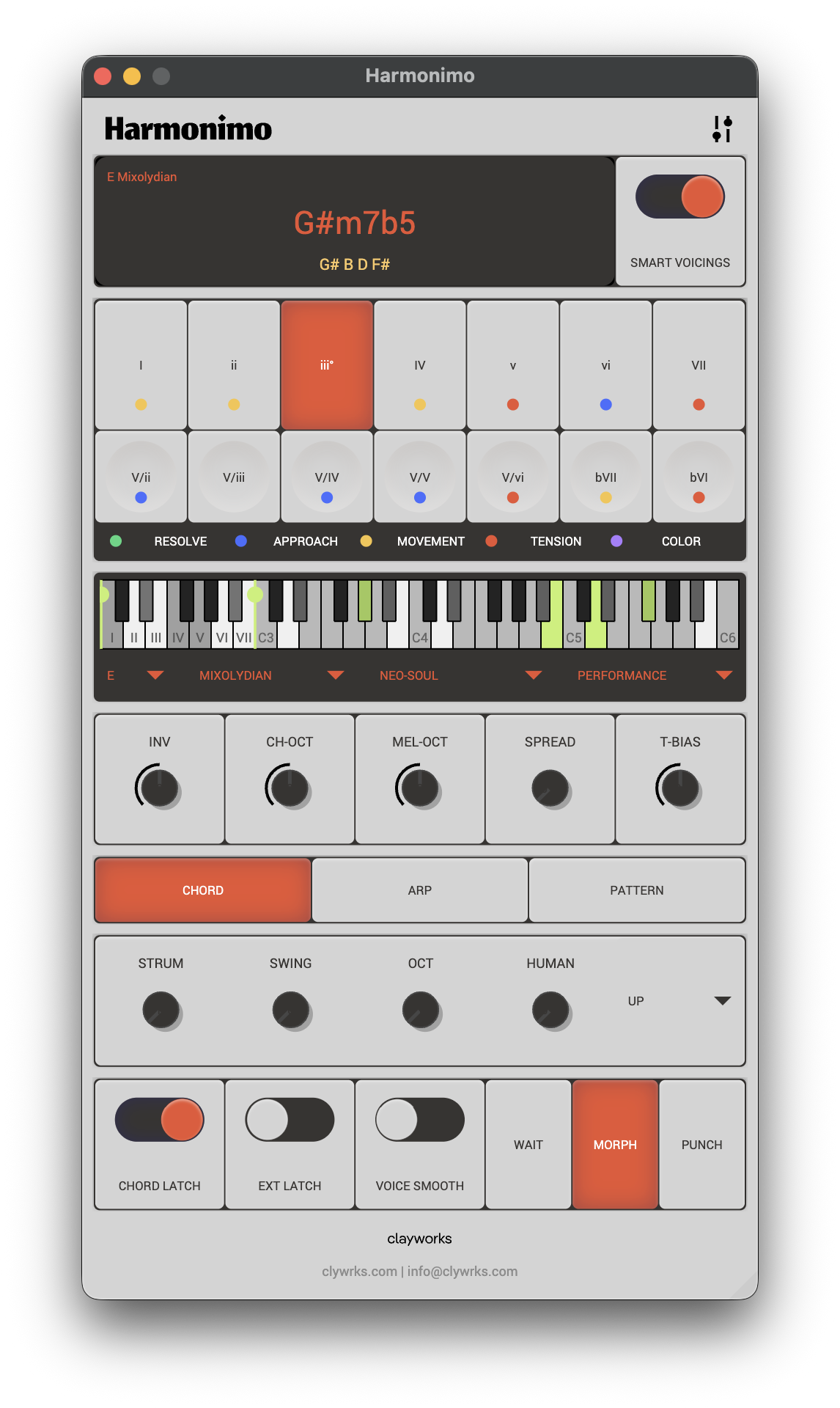
Harmonimo helps because it reduces the manual cost of trying richer harmony. Instead of stopping to build extended chords note-by-note, you can audition voicings, borrowed movement, and pattern-ready ideas while the beat or loop is still in front of you.
That matters in FL workflows where momentum often leads the arrangement. The faster you can move from a simple note input to a harmonically interesting result, the easier it is to keep the session generative instead of technical.
Section 02
FL users often want more than static block chords.
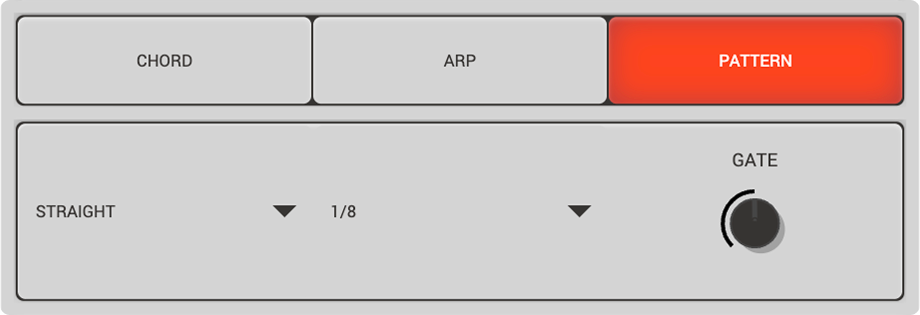
That is where Harmonimo's playback modes become useful. You can start with a chord idea, then shift the same harmonic content into an arpeggiated or patterned shape without rebuilding the idea from zero. The result is a smoother path from harmony to motion.
The plugin is also useful when you want to keep the harmonic identity of a loop stable while testing multiple rhythmic treatments around it. That lets one idea branch into several arrangement directions quickly.
Section 03
Use this as the workflow overview, then move into product or setup details as needed.
If you are comparing options, use the plugin details page for compatibility, price, and feature scope. If you already have Harmonimo and need setup help, support is the right next page. That keeps this page focused on the FL Studio workflow rather than turning it into a duplicate manual.
FAQ
Yes. Harmonimo is useful when an FL Studio session needs quick chord progression ideas, richer voicings, and motion from chord, arpeggiator, or pattern playback modes.
The main benefit is speed: simple note input can become musical chord material quickly, so you can test progressions against drums and loops without slow piano-roll chord entry.